

Cart
0
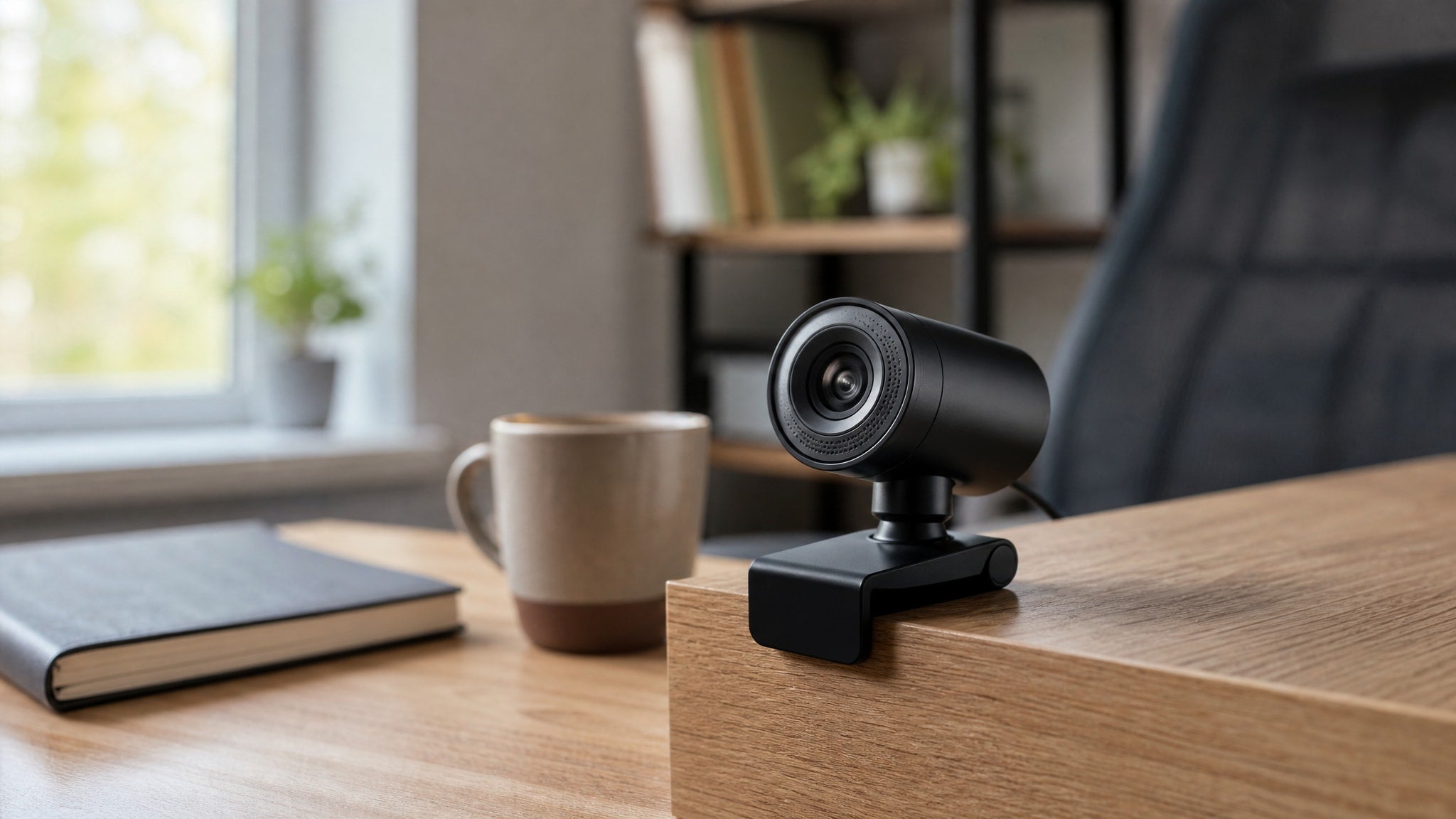
Finding the best webcam for Zoom meetings under $30 used to mean grainy video and muffled audio. That's changed. You no longer need to spend premium prices just to look professional on daily calls, affordable 1080p webcam options now handle standard remote work reliably, without the streaming-focused extras that drive up cost.
Why You Can Find a Reliable Cheap Webcam for Video Calls in 2026
Component costs have fallen enough that a cheap webcam for video calls can now include features once reserved for mid-range models. Full HD resolution has reached the lowest price tiers. Several recommended models run at full 1920x1080 resolution at 30FPS, the standard frame rate for smooth motion on Zoom and Teams without straining your bandwidth.
That price drop doesn't mean every sub-$30 camera performs the same. Check specific capabilities before you buy.
Budget models like the Mini Autofocus USB Webcam (around $14.76–$17.46) include automatic white balance adjustment, which prevents the washed-out or overly warm skin tones common in older entry-level cameras. Star Lite Tech Co. stocks multiple autofocus-enabled webcams in the $15–$30 range, so dynamic focus is no longer exclusive to premium streaming gear. A budget webcam for remote work is now genuinely viable if you need consistent quality rather than broadcast-grade perfection.
Top Affordable 1080P Webcam Picks Under $30
Two models currently define the value segment for an affordable 1080p webcam with functional autofocus and plug-and-play compatibility. The 1080P Autofocus HD USB Webcam, priced around $24.80–$26.86, sits near the upper end of this budget bracket. It delivers full HD resolution with autofocus that adapts as you move or present documents during calls, focusing as close as 20mm.
If absolute lowest price matters most, the Mini Autofocus USB Webcam offers a smaller form factor with selectable 720P or 1080P resolution starting under $15.
Both cameras connect over USB with no driver installation on Windows, Mac, or Linux, no setup friction. They handle standard meeting scenarios reliably. Neither includes advanced streaming features like adjustable field-of-view controls or HDR processing, which show up in pricier alternatives.
Best Webcam With Microphone Budget Options for Clear Audio
Built-in microphone quality varies across budget models. Choosing the right webcam with microphone budget option depends on whether you can add separate audio gear. The Mini Autofocus USB Webcam includes a noise-reducing microphone built to filter background sound, which suits shared spaces where ambient noise would otherwise distract colleagues during a call.
The 1080P Autofocus Webcam With Privacy Cover also has a built-in microphone tuned for voice clarity at typical desk distances. That's enough for anyone who can't add a headset or standalone mic to their setup.
Neither microphone replaces dedicated audio equipment for podcasting or professional recording. Both capture speech clearly enough for everyday business communication, no extra purchase required.
Do budget webcams under $30 include microphones clear enough for professional Zoom calls? Yes, provided your expectations match conversational use rather than studio production, and you test placement to cut echo in untreated rooms.
Autofocus vs Fixed Lens: What to Expect from Budget Webcam for Remote Work
Understanding the difference between autofocus and fixed lens designs helps you pick a budget webcam for remote work that matches how you actually use video calls. The 1080P Autofocus HD USB Webcam focuses as close as 20mm, so you can hold up a printed document or a prototype and stay sharp.
Fixed-lens alternatives stay clear only within a narrow distance range. Lean forward and you're soft-focus; stay put and you're fine.
Dynamic focusing matters most if you shift seating distance often, hold up printed materials, or move around your workspace while presenting. If you sit at one fixed distance and never present physical objects, a fixed lens may be enough. Autofocus buys you flexibility so a slight shift in position doesn't force a mid-call adjustment.
Privacy and Portability Features in Sub-$30 Models
Physical privacy protections and compact designs solve real problems for remote workers in shared environments or on the road. The webcam with included privacy cover, priced around $27.68–$30.66, has a sliding lens shield that blocks the camera physically when it's not in use, real security, not a software toggle that could theoretically be bypassed.
The Mini Autofocus USB Webcam clips onto a monitor without scratching it and packs easily into a laptop bag for mobile setups.
These are functional additions that solve problems tied to how people actually work now, not speculative extras.
Are there privacy-focused webcam options available for under $30? Yes, the included cover on this model means you don't need an aftermarket cover or a strip of tape over the lens.
When to Stretch Your Budget Beyond $30 for Conference Needs
Some meeting scenarios exceed what sub-$30 hardware can deliver. Knowing the limits ahead of time saves you frustration when a basic model falls short. The 1080P HD Conference Video Webcam costs around $43.60 and gives you a wider field of view, better suited to a small conference room or a home office where two people share the frame.
The 1080P USB Live Streaming Webcam With Tripod bundles a desktop stand, priced around $38.54, for the stability a clip-mounted budget camera can't give you on an uneven surface.
When should you spend more than $30 on a conference webcam? When you regularly host multi-person meetings that need broader coverage, when you need bundled accessories for a non-standard mounting situation, or when a session runs long enough that sustained performance matters. These upgrades target specific needs rather than general quality gains, so weigh your actual use case before you spend more.
How to Choose the Right Cheap Webcam for Your Specific Setup
Matching your main constraint to a specific model keeps the decision simple. If absolute lowest price drives your choice and you only need basic function for occasional calls, the Mini Autofocus USB Webcam, priced around $14.76–$17.46, sits at the bottom of the budget range and does the job.
If you present documents, adjust your seating position, or just want insurance against soft focus, the 1080P Autofocus HD USB Webcam is the one to get.
Privacy concerns in shared spaces point to the 1080P Autofocus Webcam With Privacy Cover, priced around $27.68–$30.66. It combines the essential imaging specs with physical lens protection for a modest premium over the cheapest options.

